One profile. A CV for every job you want.
Keep your career profile in one place, get a CV template for each kind of job you apply for, and tailor a CV to every job posting. Edit it on the page, then export it as a PDF.
- Exports as PDF
- Your contact details never reach the AI
- You see what the AI changed
From profile to PDF in four steps
You write about yourself once. Everything after that is a CV made for one job.
Write your profile once
Your skills, experience and education, saved as versions you can compare and restore.
Get a template for each job position
Add the kinds of job you apply for. The AI drafts a CV template for each, and you restyle it in the visual designer.
Tailor a CV to each posting
Paste a job posting and generate a CV for it, using any of your templates in any version. The AI lists what it changed and why.
Export it as a PDF
Review the result on the page, edit anything you like, and download the PDF when you are ready.
Eight designs to start from
Pick a layout and the AI fills it with your profile. You can change everything in the designer afterwards.
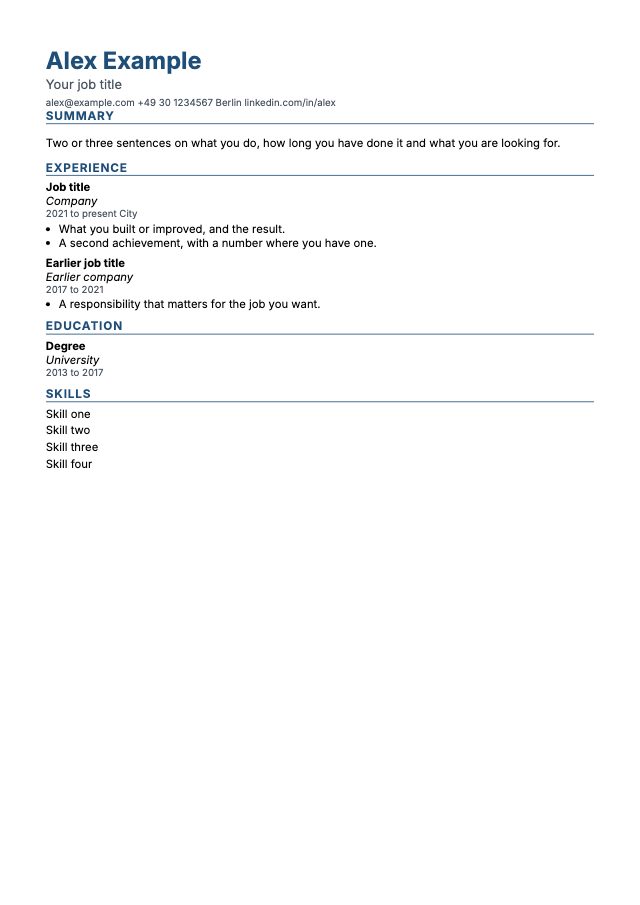
Classic
One column, clear headings. The safest choice for applicant tracking systems.
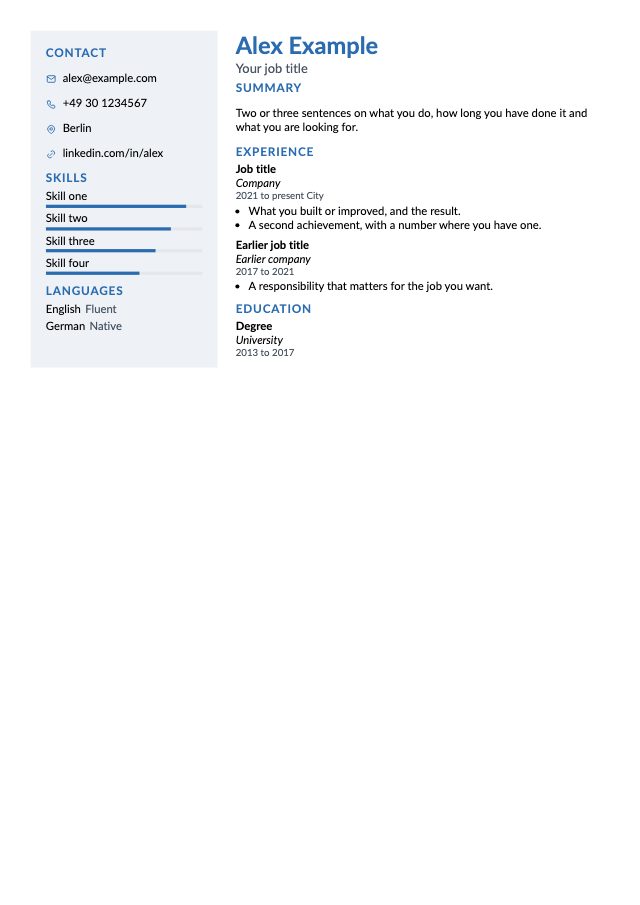
Sidebar left
Contact details, skills and languages in a coloured sidebar on the left.
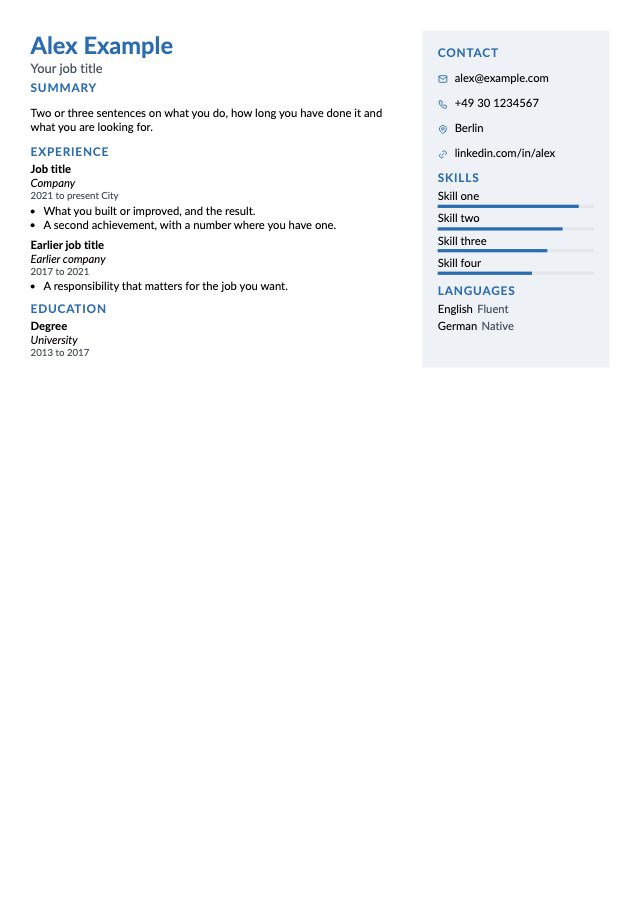
Sidebar right
Your experience first, with skills and contact details on the right.
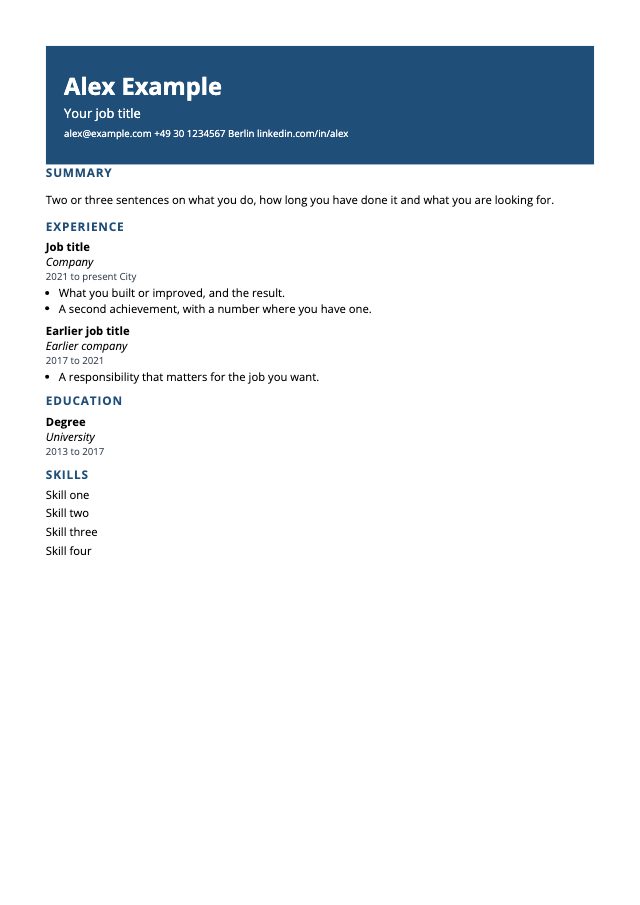
Header band
A bold coloured band with your name, then one calm column.
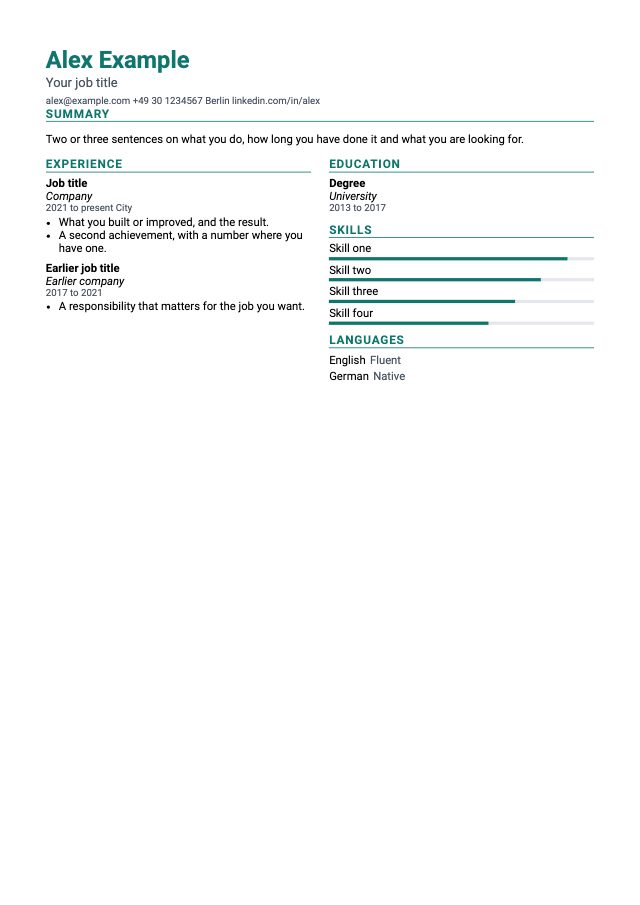
Two columns
Experience and education side by side under a wide header.
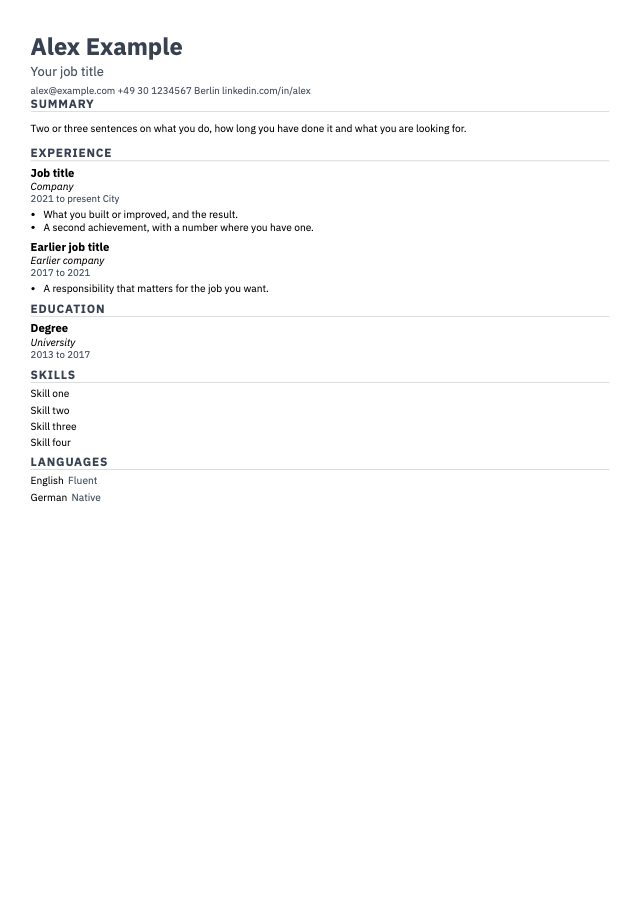
Compact
Small text and tight spacing to fit a lot on one page.
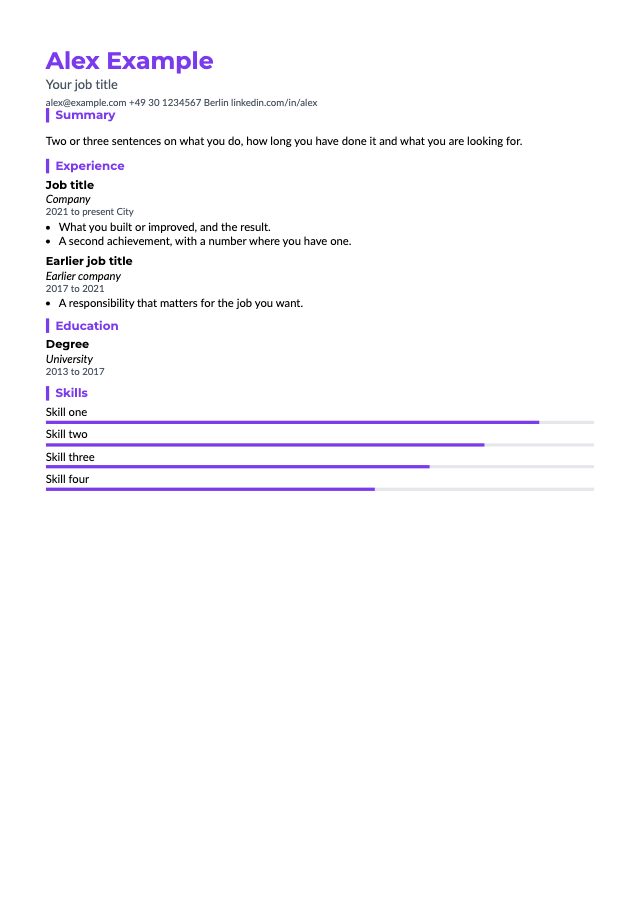
Modern
Accent lines beside the headings and a clean sans-serif font.
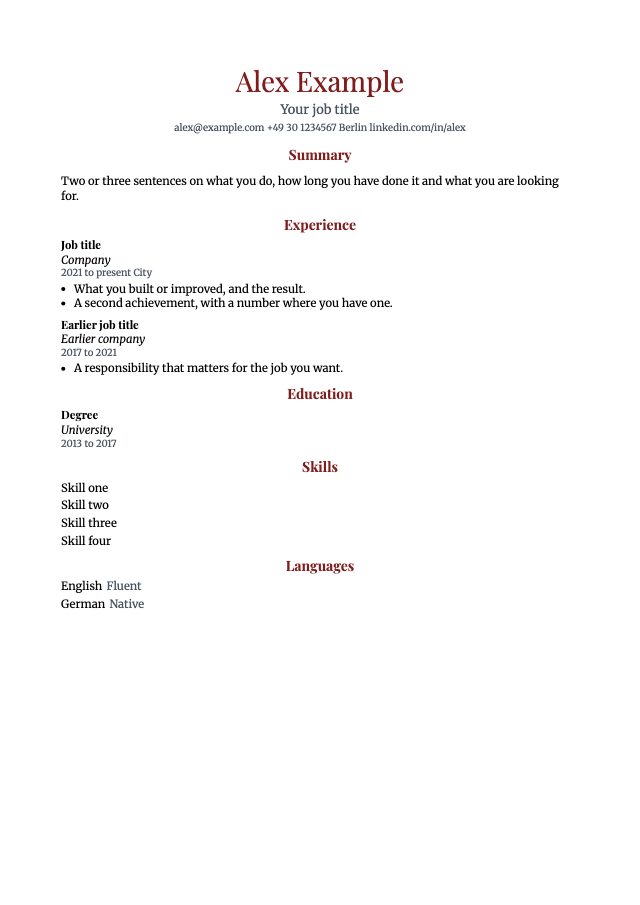
Elegant
A centred header and serif fonts for a refined, traditional look.
Arrange your CV your way
Open any template or CV in the visual designer. What you see on the page is what ends up in your PDF.
- Build rows of one to four columns.
- Drag blocks such as sections, entries, skills and photos to where you want them.
- Add your photo and change colours, fonts and spacing.
- On a phone, edit the same CV with your thumb.
See what the AI changed
A tailored CV never changes silently. Next to the document, the AI lists each change and says why, so you can keep it or edit it. It works only from the facts in your profile.
- Each change comes with a reason you can read.
- The AI works only from the facts in your profile.
- Keep a change, or edit it on the page.
Example
Before
Built an admin tool and payment APIs.
After
Built payment APIs and an admin tool.
Moved up: the posting asks for payments experience.
What reaches the AI
Before anything goes to the AI, your contact details are replaced by placeholders. Your details are put back afterwards, so the AI never sees them.
- You paste job postings yourself. Nothing is fetched from the web for you.
- Your own AI provider key is kept sealed, and only its last four characters are shown.
- You edit every result yourself.
Example
| Your profile | What the AI gets | |
|---|---|---|
| Name | Jane Doe | [[contact.name]] |
| [email protected] | [[contact.email]] | |
| Phone | +49 30 1234567 | [[contact.phone]] |
Everything a good CV needs
A version for every save
Every save of your profile, a template or a CV is a version. See what changed between two versions and restore an earlier one.
A template for each job position
A backend position and a design position start from different templates, each arranged for that kind of job.
Your job postings in one place
Search your postings, filter them by date and by whether they have a CV, and see the CVs made for each.
Made for your phone too
There is no app to install. The website and the designer fit your phone, down to moving blocks with your thumb.
In your language
The website and the starter templates come in English, German, Spanish, Italian and French.
PDF export
Download a print-ready PDF of any CV, whenever you need it.
Choose whose AI does the work
The designs, the designer and PDF export are in both plans. They differ in whose AI generates your CVs.
Free
With your own AI provider key
- 15 generations in any 24 hours
- Your AI provider bills you for what you use
Pro
€10 a month
- No key needed
- No daily limit, up to 300 generations a month (fair use)
- Runs on iwanttowork's AI
Final price, billed monthly in advance. Cancel any time; Pro then runs until the end of the paid month.
TermsCreate an account to start on Free. You can subscribe to Pro in Settings afterwards.
Questions
Start with your profile.
Create an account, write your profile once, and have a CV ready for the next posting.